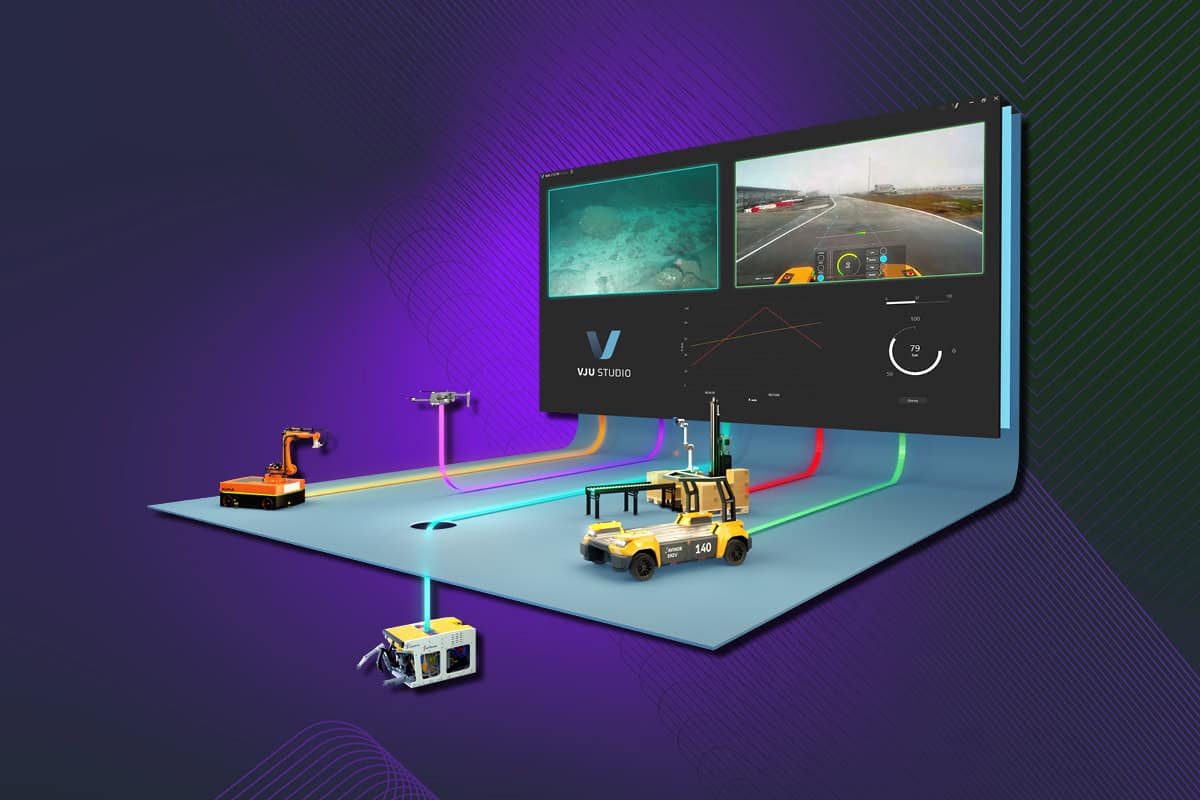
The new features simplify system setup, improve diagnostics and documentation, and expand hardware compability. Whether you are working with Modbus devices, CANopen interfaces, or our new Sensor IO board, these updates give you smoother integration, more control and efficiency.
New features:
- Sensor IO
- Modbus client
- Text note
- History viewer
- CANopen
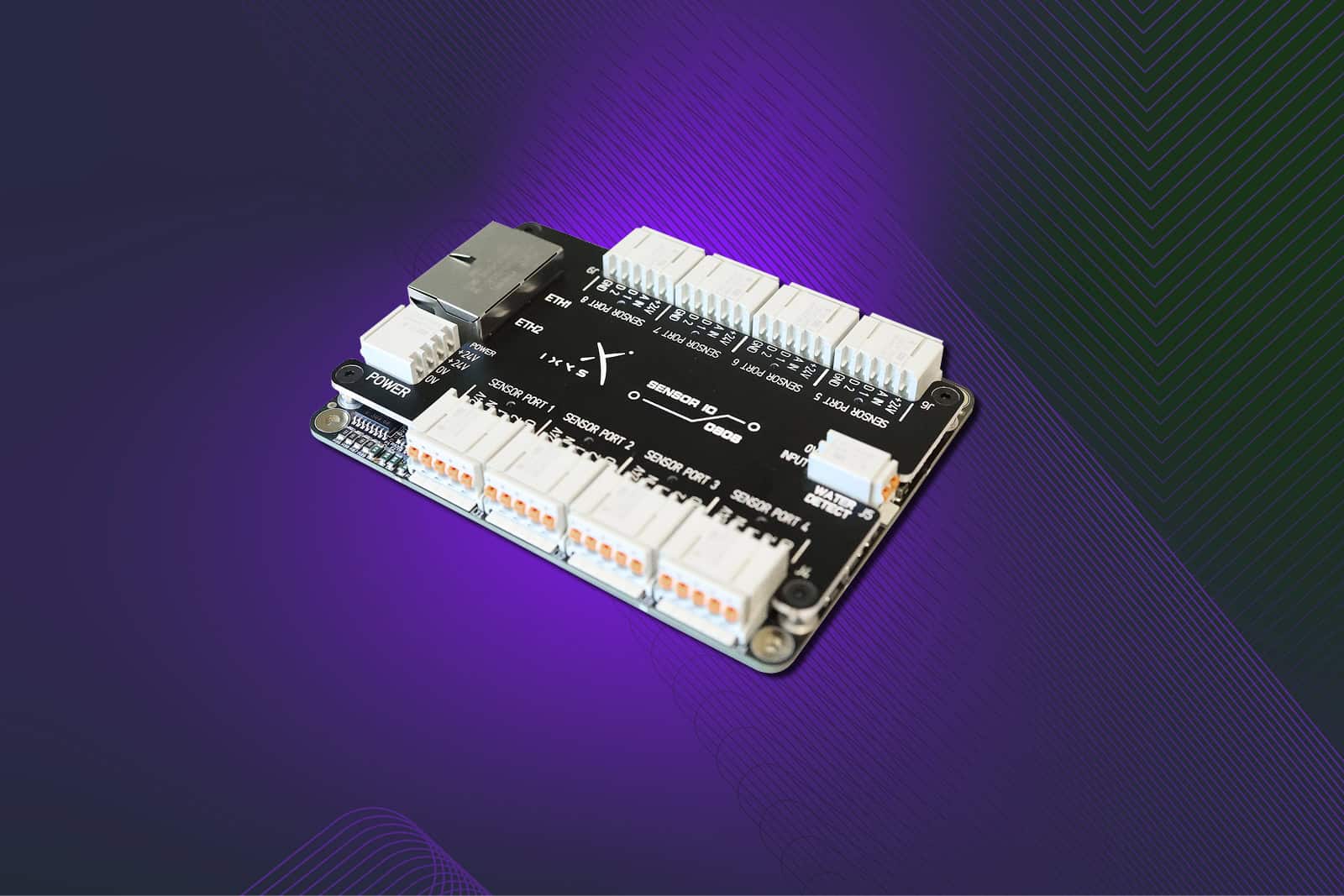
Sensor IO
A new Sensor IO board from Ixys can now be added to VJU Studio. This standalone board is designed for controlling and reading a wide range of sensors, expanding the platform’s hardware compatibility.
Modbus client
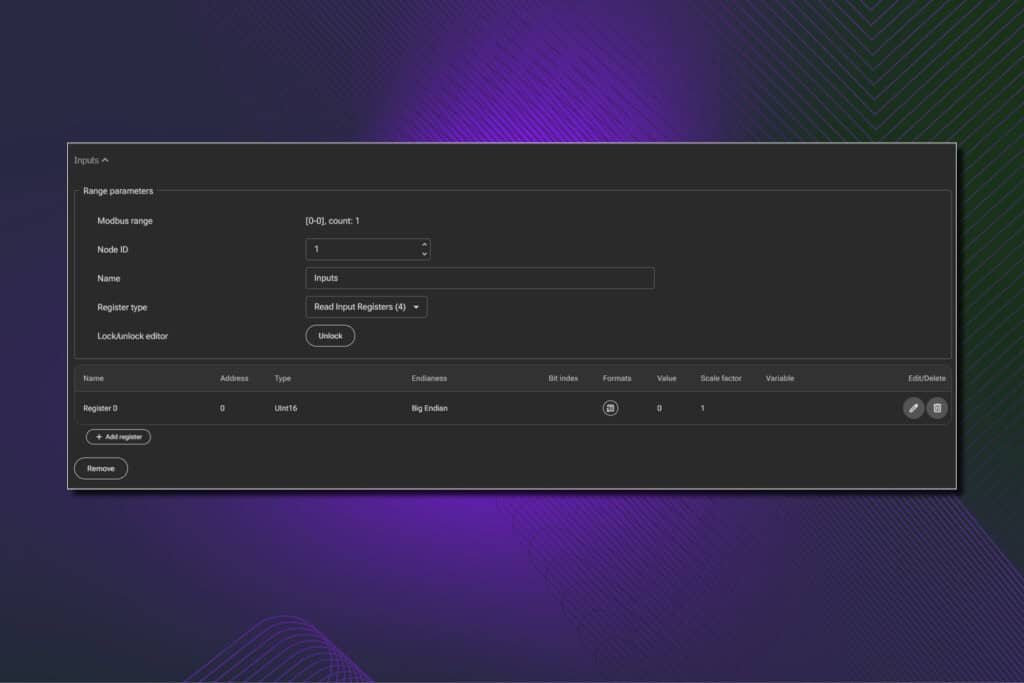
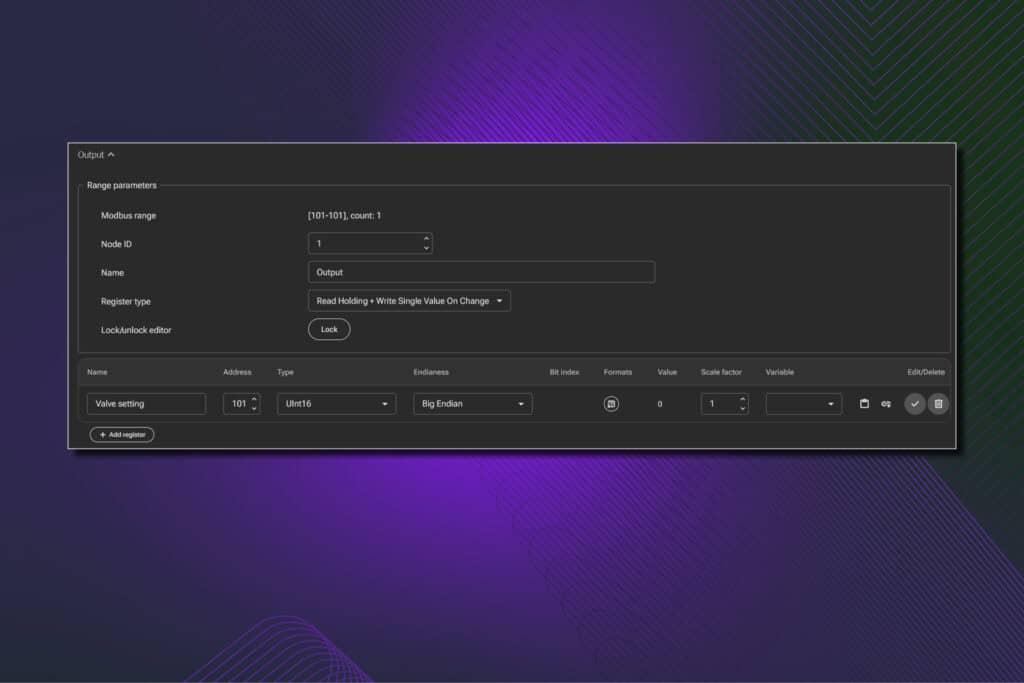
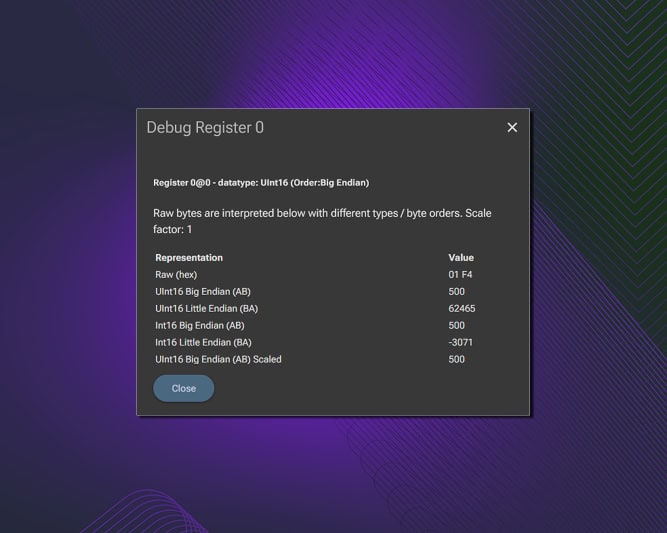
VJU Studio now includes a Modbus client node, simplifying the setup of custom register lists for reading and writing to Modbus devices. It supports TCP, UDP, and RTU communication. For TCP it also possible to run with both socket and RTU frame. Offers debug tools to help users monitor and troubleshoot Modbus registers.
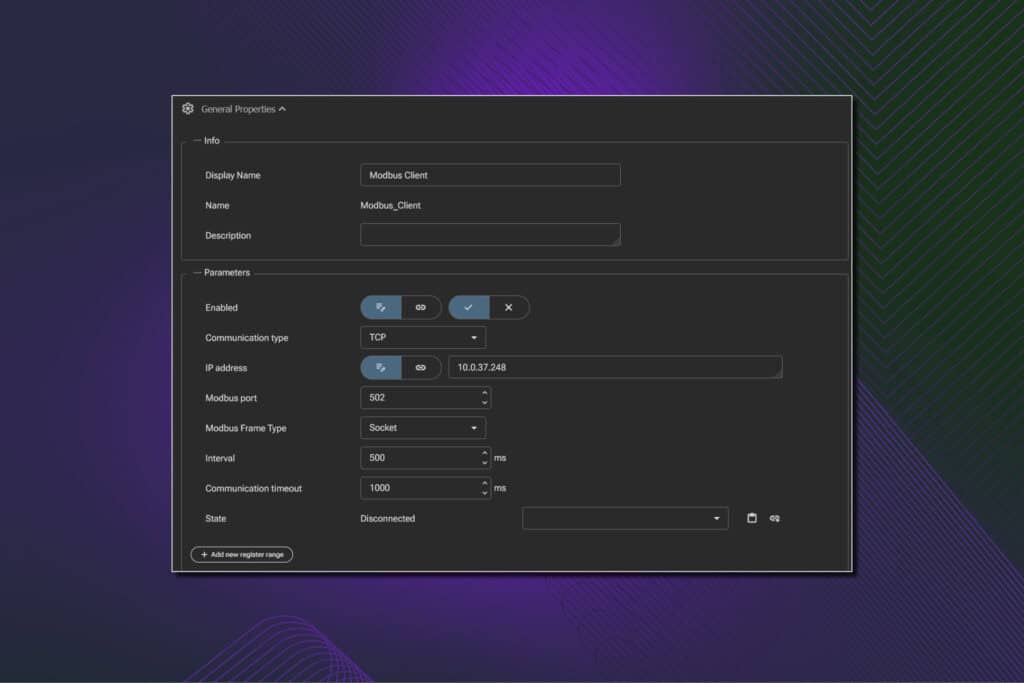
Possible to configure multiple input list of input and outputs
Support both continues write and new mode that only writes changes to server on change in Vju variable.
Include new tool to help select correct datatype and endian
Text note
A new multiline input box has been added, allowing users to include detailed notes. Can be a useful tool when combined with PDF report node. Support two-way binding to allow data from VJU Server to update box.
History viewer
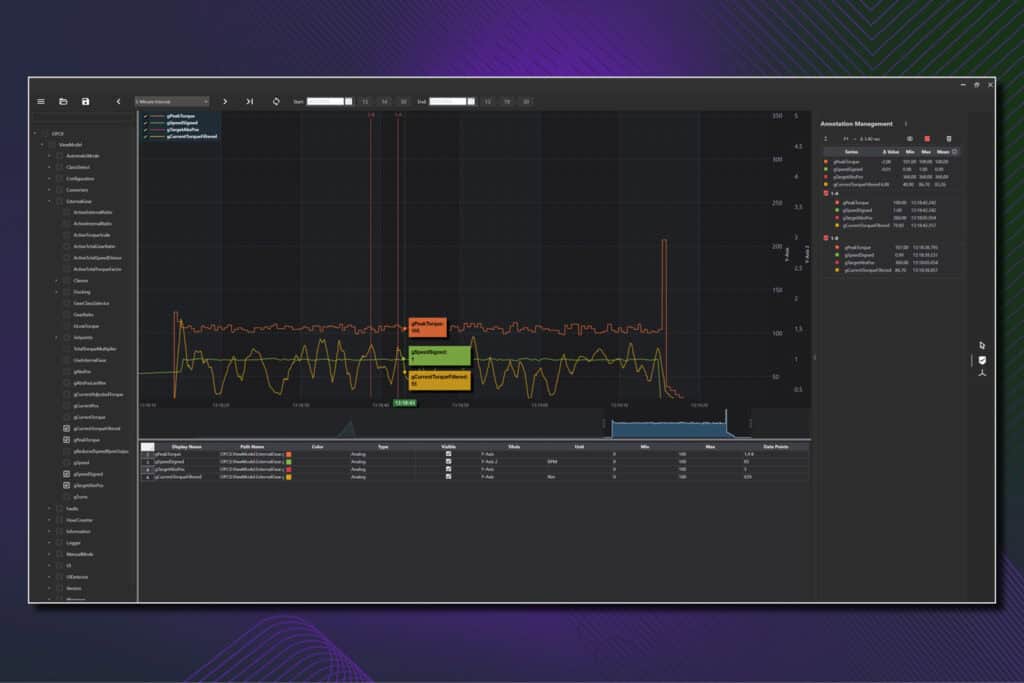
The History viewer lets users inspect data stored in the VJU server’s OPC UA historian. It supports loading data from configurable date ranges, configuring axes, adding annotations, and exporting graphs to PDF using the VJU PDF report node.
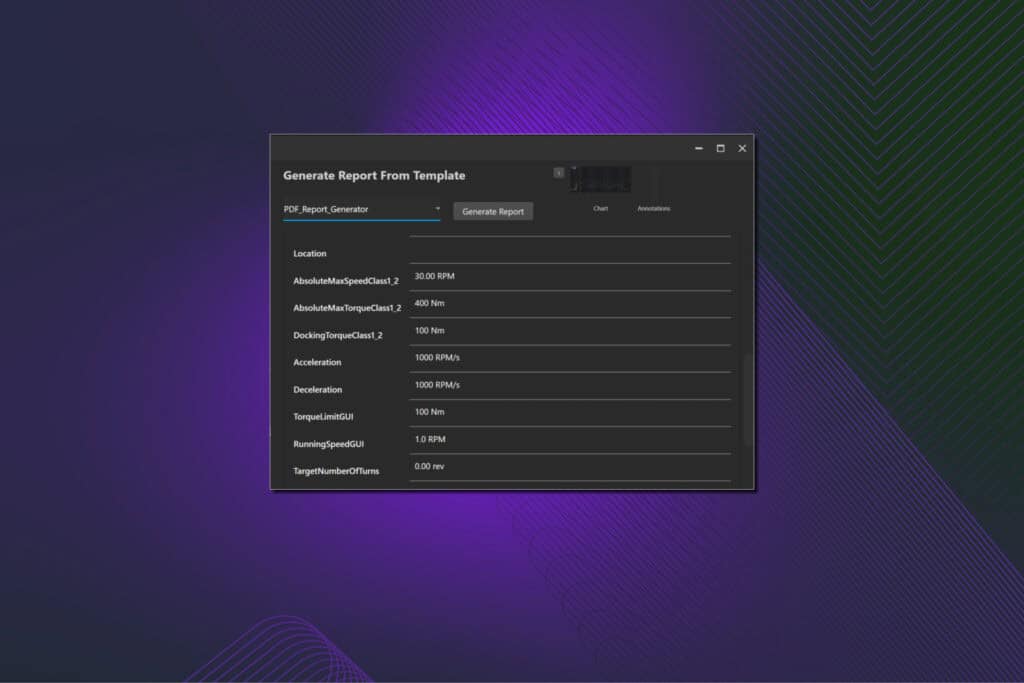
Export to PDF function shows a set of proposed values for each field and gives users a option to override with custom values and add additional images to Report.
CANopen
The CANopen node in VJU Studio enables communication with CANopen devices over a CAN interface. It acts as an intermediary node, requiring a CAN interface node in the configuration, so multiple CANopen nodes can share the same interface. The node also adds good support in scripting for easy integration of new CANopen devices.
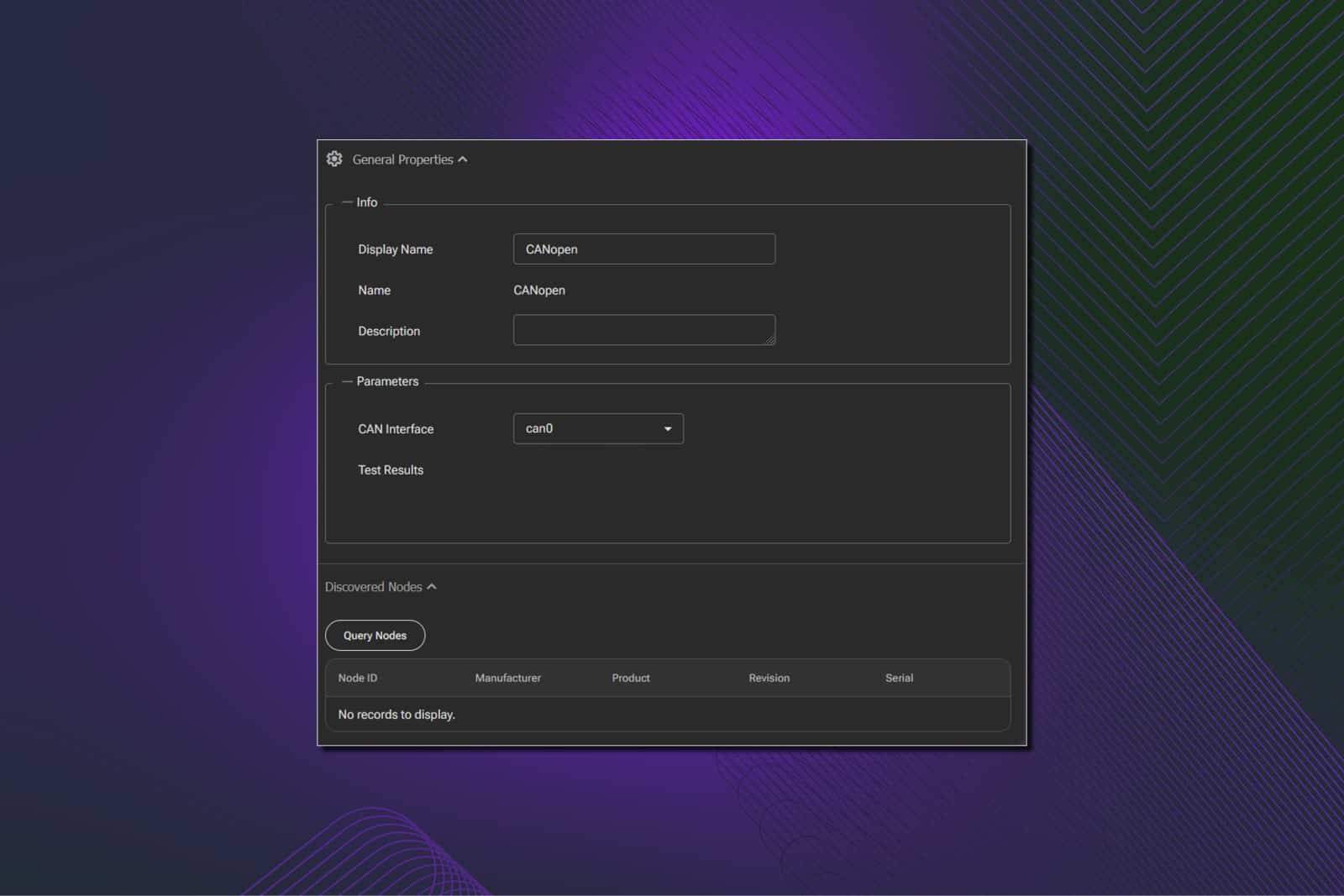
The node supports Posital encoders and SignalQuest inclinometers.

ADF CAN to Ethernet
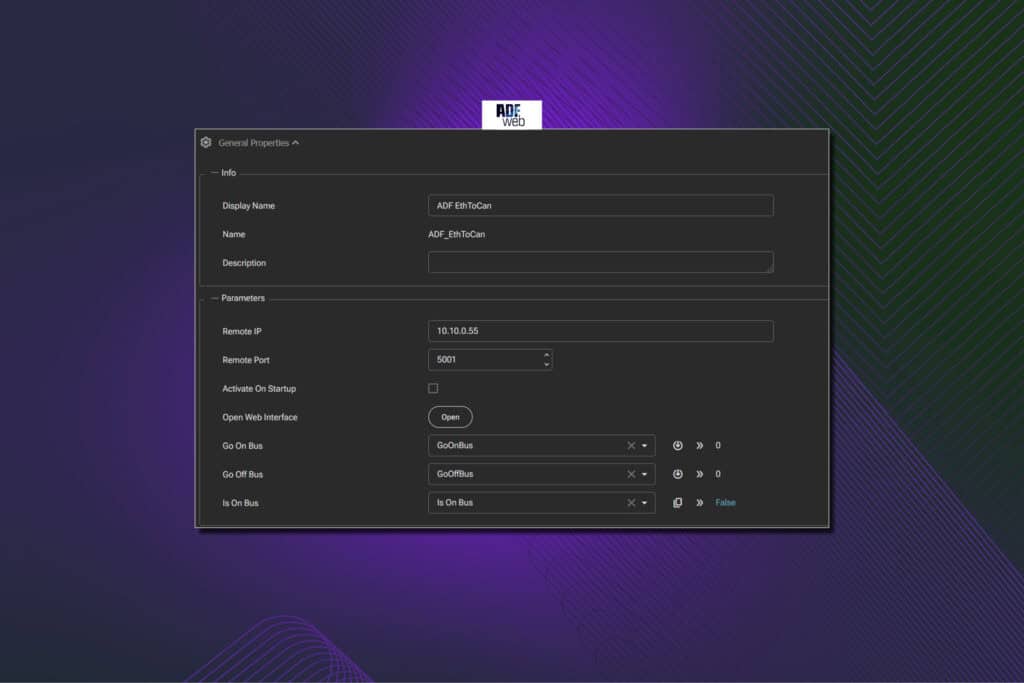
Support for ADF CAN to Ethernet device. Function as a CAN port in Vju and can be used from Script and connected to CANOpen node.
Full update and bug fix list
See full changelog and release notes page listing all updates, improvements and bug fixes.
Free trial of VJU Studio!
Discover the power of real-time control and visualization, download our free VJU Studio trial containing:
- Access to the full-featured platform
- Visual programming and real-time data monitoring
- Intuitive interface customization tools
Why try VJU Studio?
- No lisence key or payment required
- Perfect for testing compability and workflows
- Experience the interface before deploying in your project
- Explore how VJU Studio can speed up development and reduce integration complexity
Contact us
We prioritize personalized advice and service, and we are dedicated to help you optimize your control systems.
Sigmund Sevatdal
Business Development Manager
Read more about VJU Studio here.
More tech insights here.